
Templates
Brand Guide
How To Use It
Templates
Stationary
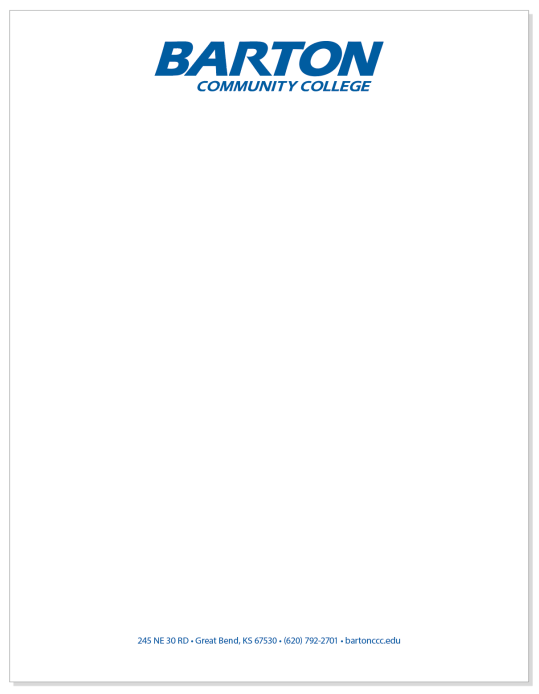
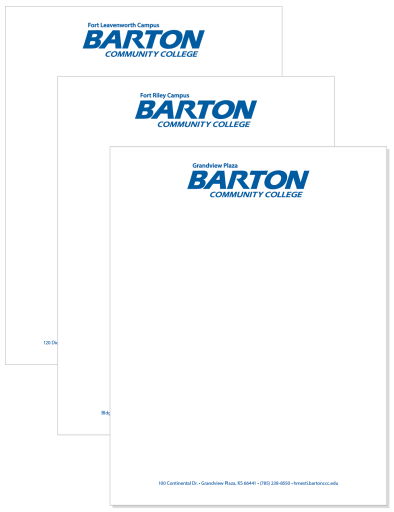
All campus locations have their own letterhead with their respective logo and address.
Collateral Stationary
Athletic Department
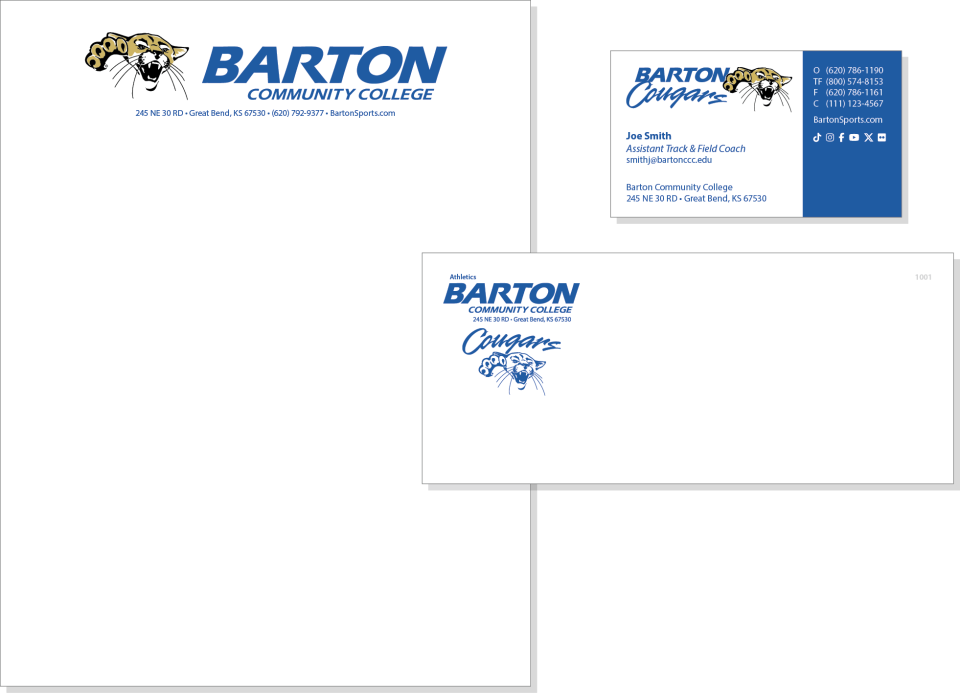
Barton letterhead set
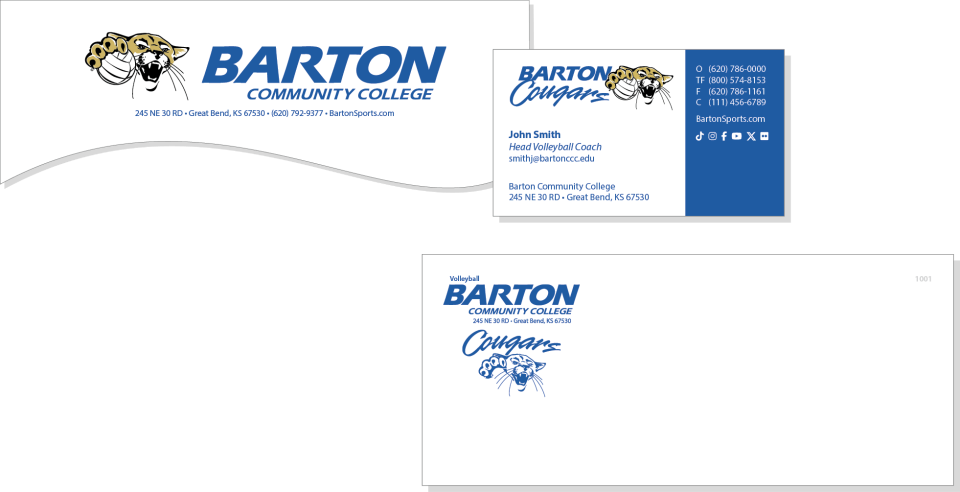
Individual letterhead, envelope and business card allowed for each sport.
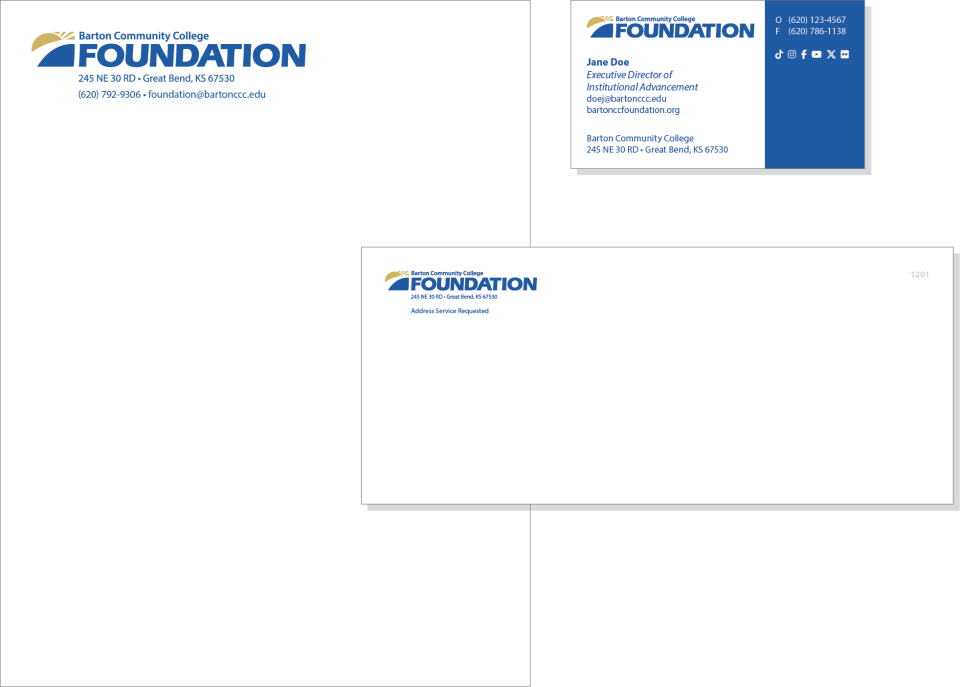
Foundation Letterhead Set
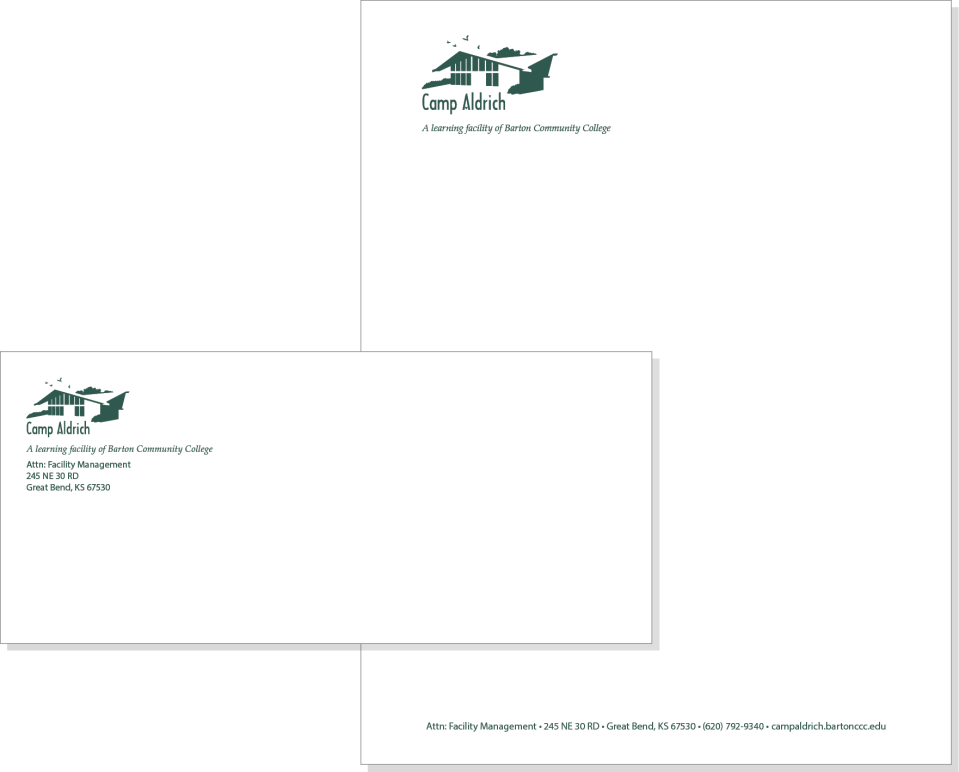
Camp Aldrich Letterhead Set
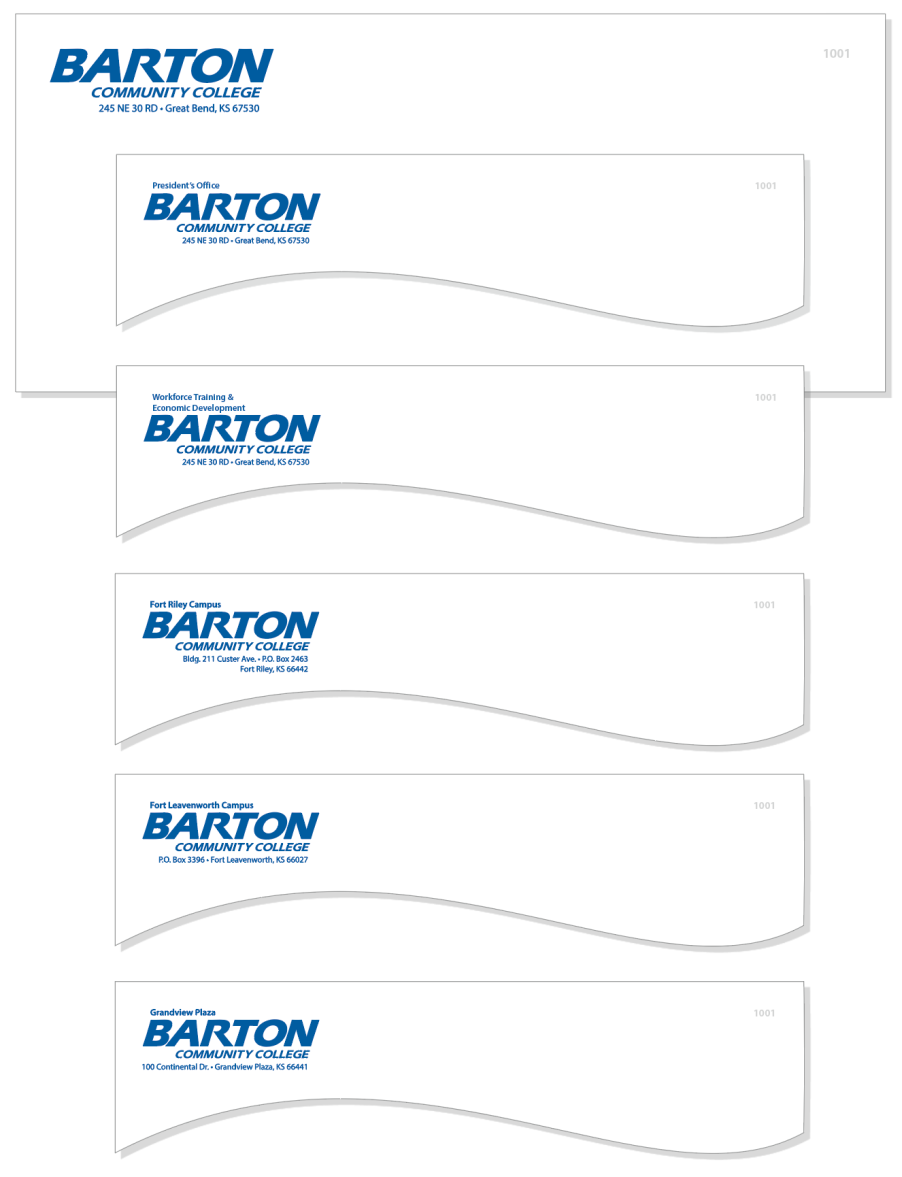
Envelopes
Campus and departmental envelopes.
Notepads and Notecards
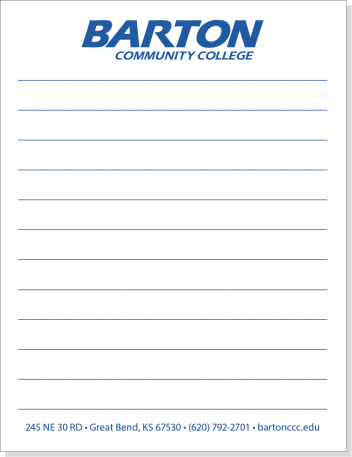
Notepads
Options for notepads include the below designs and are available for each campus with respective campus wordmark logo and address. Sizes: 4.25x5.5", 5.5x8.5", and 8.5x11".
Notecards
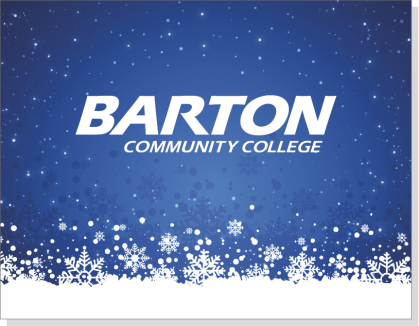
Options for note cards include the designs below and are available for each campus with respective campus wordmark logo and address printed on the back. Size: 5.5x4.25".
Card front and Card back examples are shown below.

Card front

Card front
Card front
Card back
Business Cards
The front of business cards must adhere to the Barton style guidelines. All business cards will use the main logo. Respective campus locations will be reflected in the address at the bottom of the card.
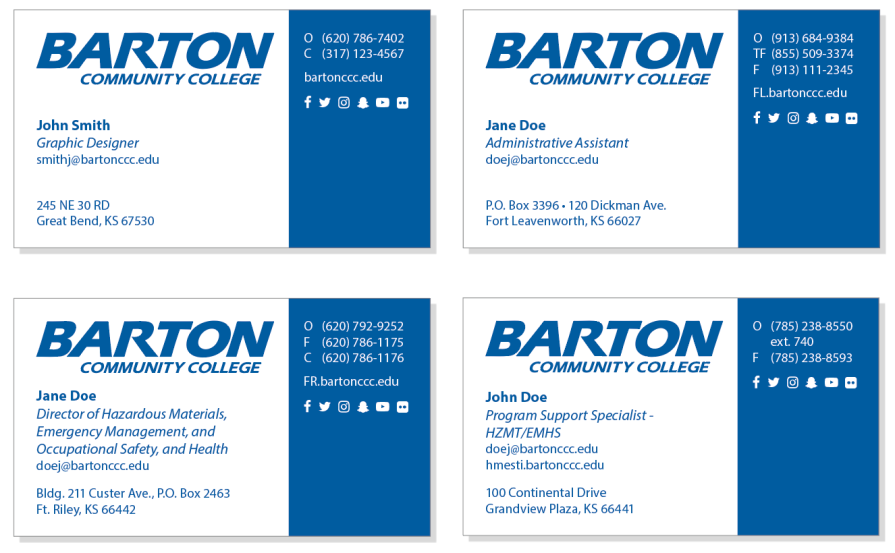

The standard back of the card will at least include the Mission Statement. Alternate designs are allowed and may include mascot graphics, wordmark program logos, universally accepted professional emblems, affiliations, certifications, appointments, note lines, URLs, social media, and/or any other information associated with a particular program or campus organization.
Social Media
Social Media accounts must be approved by the Communications Office before being created. They also require profile graphics that must follow brand guidelines and will be created by the Communications Office.
Submit a Communications Request Form to discuss setting up an account.
Follow all brand guidelines when posting to social media. For questions about promoting programs via social media, please email publicrelations@bartonccc.edu.




Email Signatures
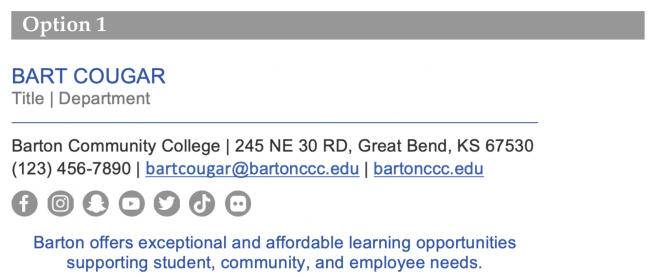
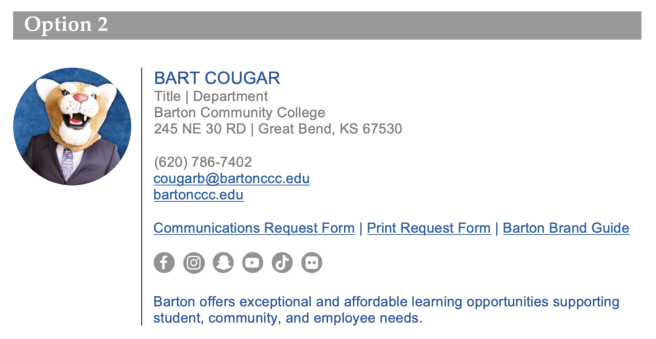
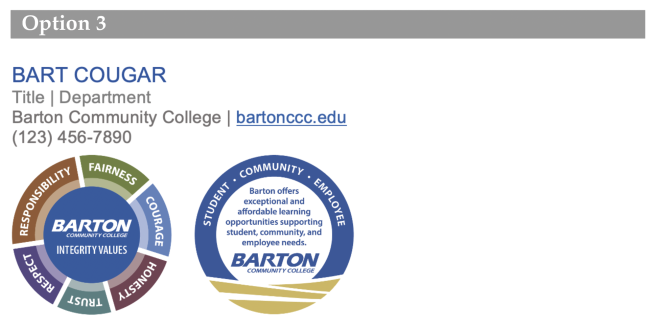
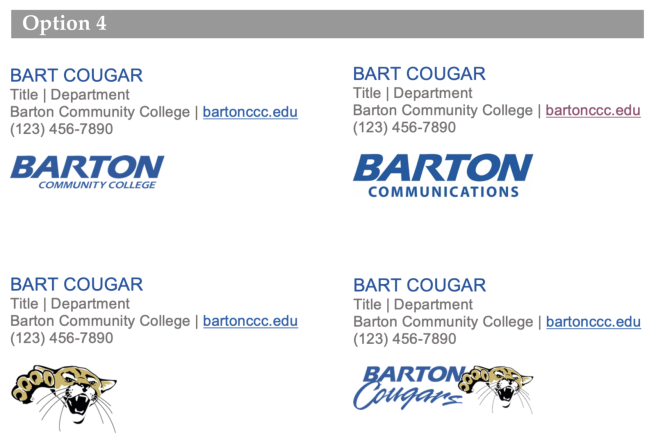
A Word document email template is available to set up your email signature in Outlook using one of the options shown below. This file is located in the Barton Portal in the Employee Toolbox card.
Email the Communications Office at publicrelations@bartonccc.edu if you have sizing issues or the logo files are blurry.
- All signatures must follow one of the template options.
- Email the Communications Office to request your Barton headshot file. Candid photos are not allowed.
- Links to Barton services or web pages may be included.
- Using any image as a wallpaper for the background of your email message is not allowed.
Allowed images:
- Barton wordmark logo
- Department wordmark logo
- Your Barton headshot
- Cougar head logo
- Mascot logo
- Athletics may use their team emblem logo
Zoom Backgrounds
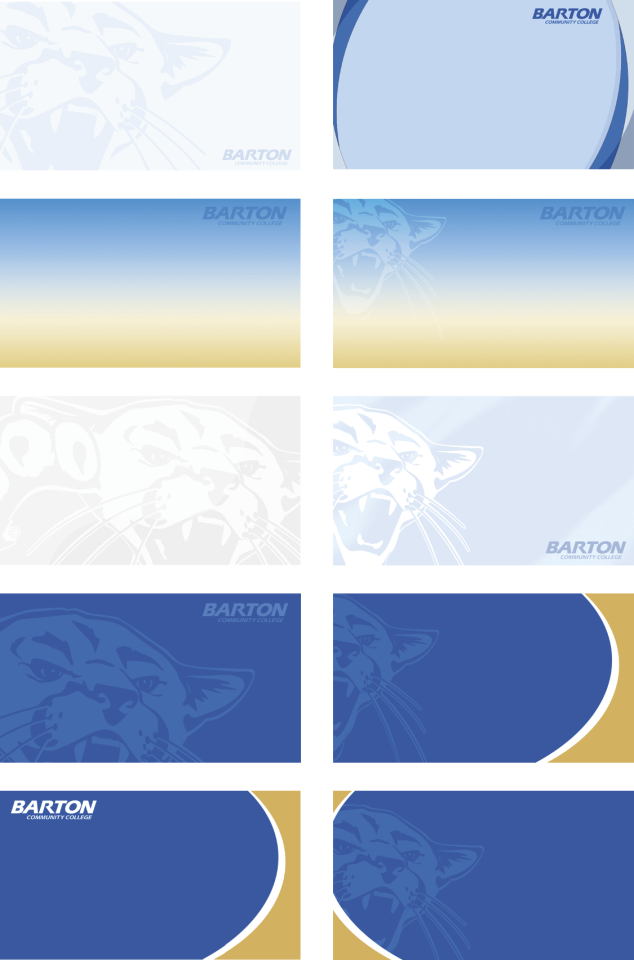
A collection of branded art files are available for download as your Zoom background in T:\ZoomBackgrounds.
Powerpoint Templates
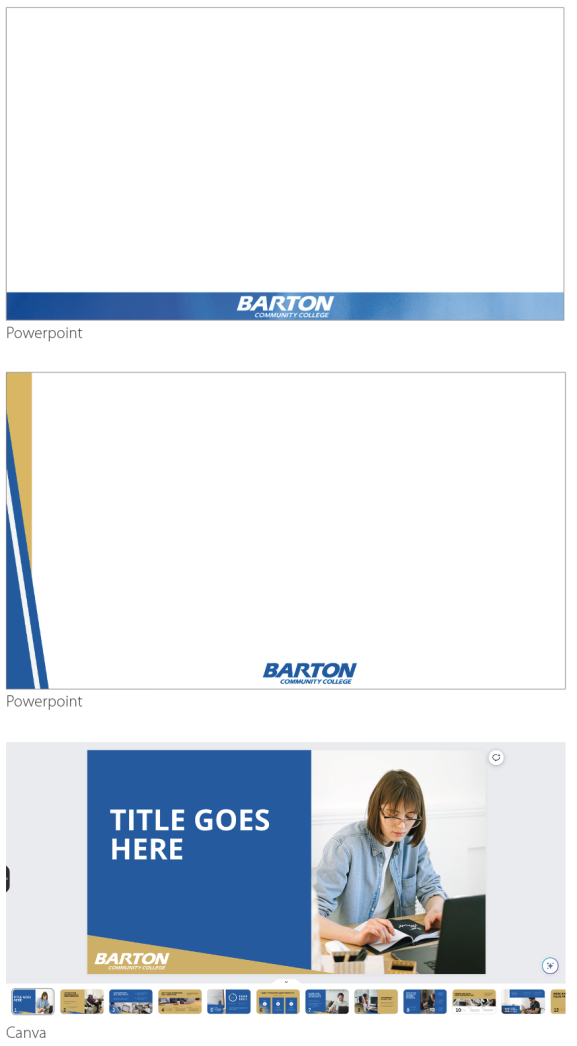
Barton branded PowerPoint backgrounds are available in standard and wide format.
The files are accessible from T:\Brand\Powerpoint.
A Canva Presentation template is available in the Brand Kit.
College Publications and Websites
College Logo
Barton Community College must be identified in all publications that promotes the institution. This will take the form of the logo and applies to all online ads, magazine and newspaper advertising, posters, banners and billboards.
Place the logo on either the front or back cover as appropriate, on all publications.

Non-discrimination Notice
Barton's Non-discrimination Statement must be included in all departmental publications, such as brochures, posters, advertisements, postcards, pamphlets, manuals, and guidebooks, describing or inviting participation in programs at Barton.
The inclusion of the Non-discrimination Statement is required by federal regulation and is designed to make clear to prospective applicants or participants the College's commitment to equal opportunity in employment and equal access to its programs and activities.
At this time, the long format should be used. If it is not possible, follow the procedure below:
- If the material is too small to permit the full statement to be included, such as flyers, postcards or brochures, include the condensed statement in print size no smaller than the text.
The notice is available in T:\Brand\NonDNotice.